


Password manager that helps you improve your computers security
If you want to maintain a high security level when you work with your computer, you must use different passwords for each service or program that you access: one for each e-mail account, one for each program that requires one and a different password for each one of the websites in which you are registered. The inconvenience is where to store all these passwords.
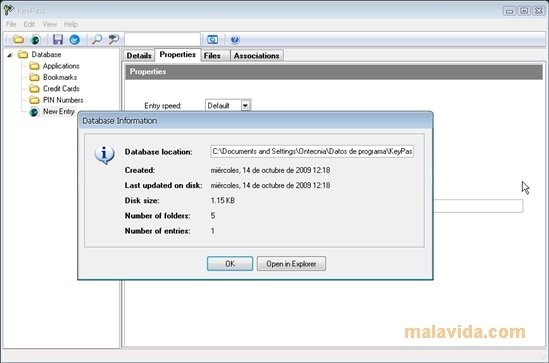
To keep your passwords safe, you can use a password manager like KeyPass. This application allows you to store in a database all kinds of passwords and, of course, encrypted by means of the 448-bit blowfish ciphering algorithm. Thus, you can be sure that nobody will access your personal and private information.
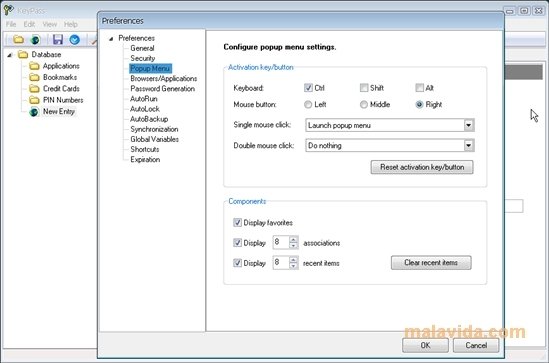
Keypass has a major advantage in comparison with the applications by its rivals, because it speeds-up the access to the applications and secure sites that require authentication, and this is because without having to copy and paste or drag and drop it can identify the user. To do so, all you have to do is use the predetermined keyboard shortcut. What's more, it offers a portable version that can be copied to a USB key and launched without needing to install it.
 Vanessa Martín
¡Hi! I am Vanessa Martin, I like to travel, music, photography, and I am passionate about the Internet, as it is a great source of information where you can find everything you need. If it exists, it is on the Internet. Another of my great...

Antony Peel